
ecos shader for Canvas
Lightweight graphics enhancements for your laptop.
ecos shader for Canvas
Lightweight graphics enhancements for your laptop.
Background
Recently I got a laptop, and when I run Lumi Lights on it it started to overheat. So I made this shader as a replacement. It's not the exact same but it got the basic ideas that I wanted from a shader while keeping performance impact at minimum.
Features
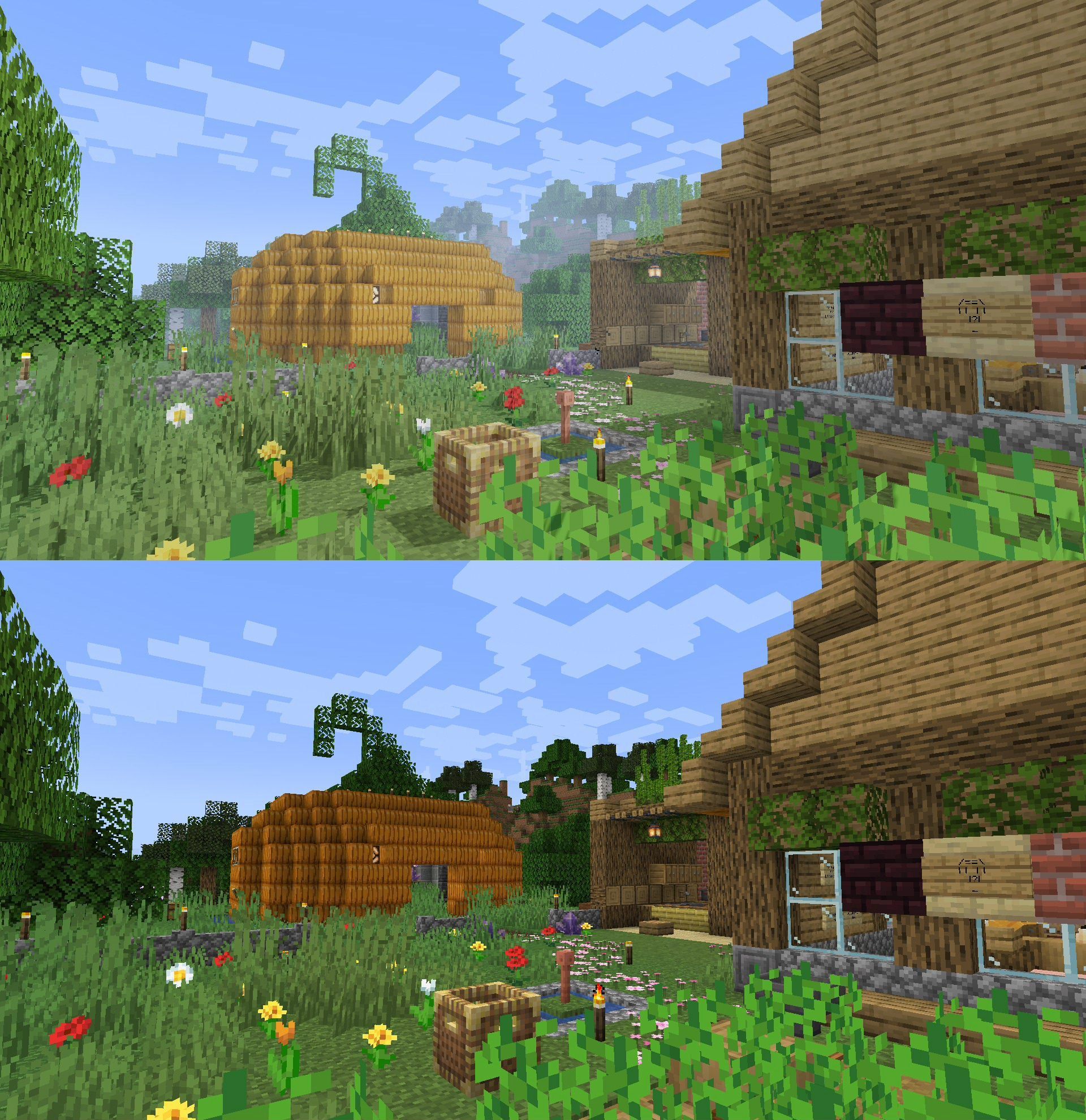
See the gallery for some comparisons.
- Shadows (optional, laptop friendliness varies)
- Bloom
- Tone mapping
- Fancy metals & glass
- Fancy water
- Fog
- Vanilla-like (for the most part, might change later)
Planned Features
- Anti-aliasing
- Water shading
- Colored lights
Anti-vanilla feature
- Ignore vanilla lightmap (ecos uses its own lighting system)
How to use this?
If this is the first time you use a Canvas shader:
-
Put shader ZIP file in resourcepacks folder, then activate the resource pack. Note: if you have other Canvas shaders, it's recommended to put ecos above them in the selected resource pack list.
-
Open Video Settings... -> Canvas -> Pipeline Options.
-
Click the "Pipeline: [pipeline name]" button and pick "ecos shader". Click done and close the setting window.
Credits
- ecos by spiralhalo (me)
- Project icon & mascot by Lazcht
- ecos' bloom feature is based on Grondag's work
Совместимость
Minecraft: Java Edition
Ссылки
Создатели

spiralhalo
Владелец