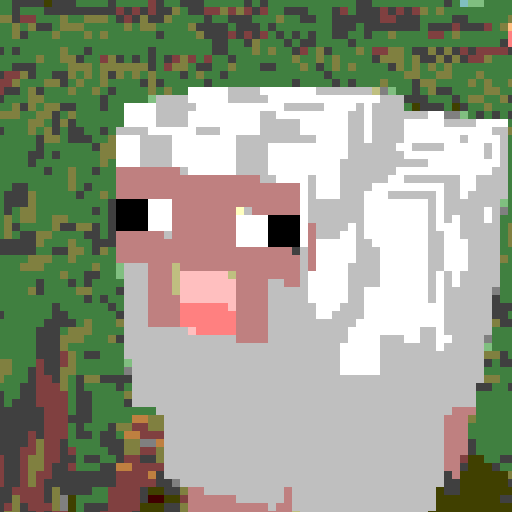
This shader can reduce both color count and resolution of the image (each function can be toggled on/off for your liking, see gallery for previews)
Colors
Decreases the amount of colors that is displayed on the screen. This limits each channel to a certain number of values (the value set in settings + black). For example, if you set the color amount to 2, each color channel will now be able to be at only 0, 127 and 255. You can also toggle between RGB and HSV modes to change how colors are changed.
Pixels
Enlarges pixels and in turn decreases the resolution. The large pixels do not average the color of underlying normal pixels, rather pick the color of the top left pixel. Larger pixel sizes might create flickering on farther objects
Anti-flicker
Decreases flickering on large pixel sizes by averaging colors inside pixels. May decrease performance.
Corruption
You can enable corruption to make your game look like the universe is getting shut down. DO NOT USE if you are photosensitive, it creates LOTS of flashing lights.
Fun Fact: this option originated as a failed implementation of the anti-flicker feature, and one of my friends suggested it to be added as a separate option
Совместимость
Minecraft: Java Edition
Создатели

hexahedron1
Владелец